Shadow AI is Already In Your Network
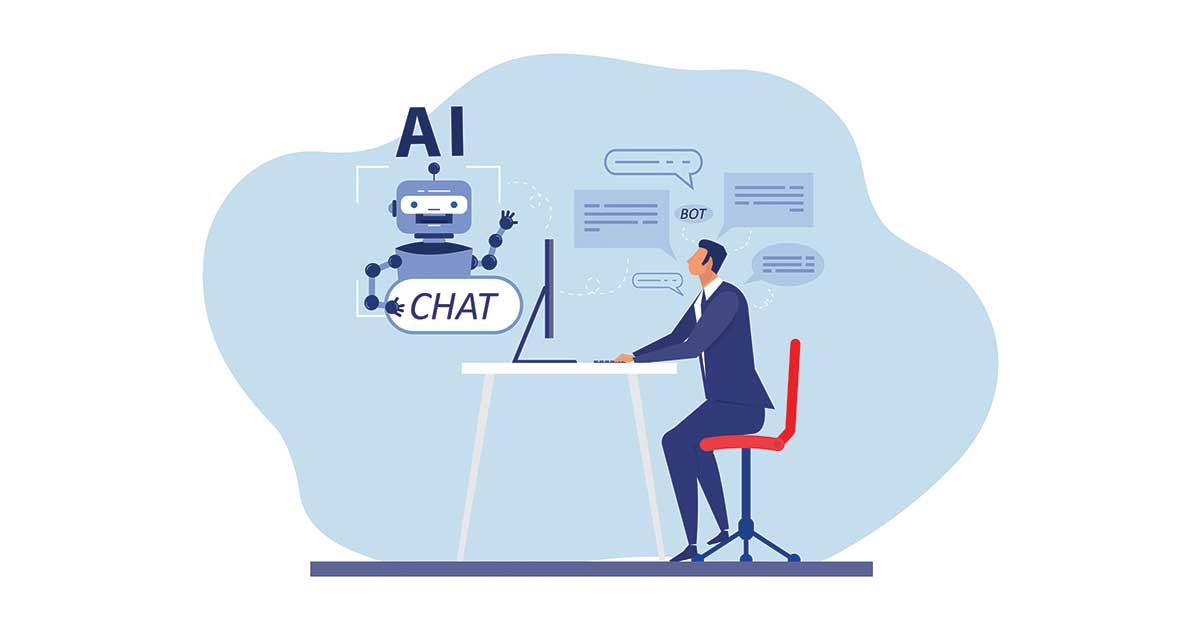
Somewhere in your organization right now, an employee has a browser tab open to a chatbot. They pasted in part of a client contract to get a quick summary before a meeting. The tab belongs to a personal account, and nothing in your records shows it happened.
This is not a rare event. In a 2025 report from LayerX, roughly 77% of employees pasted data into generative AI prompts, and about 82% of those pastes came from personal accounts the company never provisioned.
Shadow IT has a new form, and the pattern underneath it is familiar. Useful software shows up inside the network without anyone signing off on it.
Exposure Starts When Data Leaves the Building
When someone pastes text into a consumer chatbot, that text leaves the environment you control. Where it gets stored, how long it stays, and whether it feeds a training set all fall under the tool’s terms rather than your agreements. Free or personal-tier account terms rarely favor the business.
But what is shadow AI? The term covers any unapproved AI tool an employee uses for work without IT knowing about it. In general cases, that means a consumer chatbot opened through a personal account, reached from a browser or personal devices. The usage sits outside your approved systems, which is what puts it in the shadow.
The material going into these tools is getting more sensitive over time. Cyberhaven’s 2026 report found that about 39.7% of AI interactions involved sensitive data, and the sensitive share of corporate data entering AI tools climbed from roughly 10.7% to around 34.8% in two years. Employees are not pasting in weather forecasts – they are pasting in the material your firm is obligated to protect.
For a regulated business, that obligation does not pause when an employee finds a quicker way to work. If you handle patient records, financial detail, or controlled technical data, the requirement to know where that information lives still applies.
A few specifics make the data exposure concrete:
- Retention runs on the tool’s schedule: Consumer accounts keep prompt history on their own terms. You cannot enforce a deletion window on data you cannot see.
- Processing location is unknown: Many regulated frameworks care where data is handled. A personal account gives you no answer to that question.
- Access outlives employment: When someone leaves, you disable their work accounts. The personal AI account they used for a year walks out with them, history included.
- The log has a hole in it: Nothing in your records shows the session took place, so there is no way to reconstruct what was shared or by whom.
Before officially onboarding any AI tools, you need to figure out why you’re adopting AI: AI Questions Your Board Needs to Ask First
Blocking Only Moves the Problem Out of Sight
The natural response is to shut it down: add the domains to a blocklist, push a policy that forbids the tools, and move on. The decision feels sureproof, but it does not hold.
Blocking Changes Location, Not Behavior
An employee who cannot reach a chatbot on their work laptop will open it on their phone. The work gets done the same way as before, but what changed is your ability to see any of it.
The hiding is measurable. A global study from KPMG and the University of Melbourne found that 57% of employees worldwide conceal their AI use from managers, and 48% had put company information into public tools. When people expect a ban, they just stop telling you what they use. The same reporting noted that nearly half of employees were already using AI tools their employer had prohibited.
Banning Costs Visibility
A block removes the very thing that lets you manage shadow AI risks. Consider what you give up:
- Classification becomes impossible: You cannot sort data flowing into tools you have declared invisible.
- Training has nowhere to land: You cannot coach people on a practice you have banned on paper and ignored in practice.
- Your picture gets worse: The exposure continues, and now you hold less information about it than you did before.
So the question shifts. A ban that pushes usage onto unmanaged phones leaves you worse off than a governed practice you can watch.
Shadow AI tools present more risks to security than just visibility gaps: Shadow AI Risks Businesses Need to Consider
Creating a Defensible AI Use Policy
A solid AI usage policy does two things at once: it gives staff a sanctioned way to use these tools, and it gives you a record of how that use happens. The goal needs to be a practice you can show an auditor.
A workable policy covers the following ground:
- Approved tools and managed accounts: Name the specific tools staff may use, each one carrying enterprise terms rather than consumer terms. Require that the work happens in company-provisioned accounts, so the session sits inside your controls.
- Data access rules: Set clear tiers for what can and cannot go into a tool. Keep the wording simple enough for a non-technical employee to follow, for example: no patient, payment, or customer data in any tool not on the approved list.
- Access controls matched to work: Define which teams may use which tools for which tasks, so permission lines up with the sensitivity of the data they handle.
- A vendor review standard: Before a tool gets approved, check its retention window, its training-data practices, and where it processes information. Treat it the way you treat any vendor touching regulated data.
- Human review and named ownership: Require that a person checks AI output before it reaches a client or a record, and assign clear ownership for who approves tools and who answers for the policy.
- Training and a path to ask: Give staff short, required guidance, plus a channel to request a new tool. A policy that invites the request keeps usage in the open.
- Monitoring and a response plan: Build a way to see usage and a defined set of steps for when something crosses a line.
Two pieces support an AI usage policy like this once it is in place: security awareness training that teaches staff the data rules, and industry compliance and risk management that ties those rules to relevant business regulations.
Governing AI is an Extension of Security Work
The task above can sound overwhelming, like a new discipline to stand up from scratch. But it isn’t; your firm already classifies data, vets vendors, controls access by role, and responds to incidents. AI use is a fresh surface for the same set of practices.
Use a Recognized Structure
NIST publishes an AI Risk Management Framework that organizes this work into four functions: Govern, Map, Measure, and Manage. The framework is voluntary, and it is designed to sit inside an existing enterprise risk program rather than beside it. For a firm that already runs a security program, adopting it just means extending what you have in place now.
The Open Question is Ownership
The AI use policy, the approved-tool list, and the vendor reviews all need a holder. Someone has to keep the list current as tools change, carry the AI conversation into leadership and audit discussions, and make the call on what gets approved. In many mid-market firms, that ownership sits nowhere, which is how the gap opened in the first place.
Implement Proper AI Governance Across Your Organization
AI usage is already going on within your organization. But if the record of it is thin, and the data going in is the kind you are obligated to protect, you need a governed one, owned by someone with the authority to keep it current.
Louisville Geek provides this ownership through vCIO advisory. Our strategic advisor can guide you through AI governance by developing an AI roadmap, a readiness review, and a policy that maps to your relevant frameworks, with the approved-tool list kept current as the tools change.
If you don’t have an AI policy in place, now is a good time to start.